

The best time tracking software in 2026 helps businesses, freelancers, and remote teams accurately track work hours, streamline payroll processes, and enhance productivity. As hybrid work, global teams, and compliance requirements continue to grow, modern time tracking tools now offer automation, integrations, and real-time insights beyond basic timesheets.
In this guide, we compare the top time tracking software options of 2026, covering both free and paid solutions based on features, ease of use, pricing, and ideal use cases—so you can confidently choose the right solution for your business.
Quick Comparison: Best Time Tracking Software in 2026
| Software | Best For | Free Plan | Mobile App | Payroll Integration |
|---|---|---|---|---|
| QuickBooks Time | Payroll-first businesses | No | Yes | Yes |
| Clockify | Free, unlimited tracking | Yes | Yes | Limited |
| Toggl Track | Freelancers & creatives | Yes | Yes | No |
| Hubstaff | Remote teams | No | Yes | Yes |
| Harvest | Agencies & billing | No | Yes | No |
| Rippling | HR + payroll ecosystems | No | Yes | Yes |
| Zoho People | Budget-conscious teams | No | Yes | Yes |
| Time Doctor | Productivity monitoring | No | Yes | No |
| BambooHR | HR-heavy organizations | No | Yes | Yes |
| Connecteam | Field & deskless teams | Limited | Yes | No |
The Top Time Tracking Software Worth Your Attention in 2026
QuickBooks Time — The Payroll Power Player
If payroll accuracy keeps you up at night, QuickBooks Time is your answer. Built to integrate seamlessly with accounting workflows, it turns tracked hours into paychecks with minimal friction.
Best for: Small Businesses that live and die by payroll accuracy
The catch: Pricing scales fast as teams grow
Clockify — The Best Free Time Tracking Software (Still)
Clockify remains the rare unicorn: unlimited users, unlimited projects, zero cost. It’s not flashy — and that’s exactly why teams love it.
Best for: Startups, freelancers, and teams that want control without cost
The catch: Advanced analytics sit behind a paywall
Toggl Track — Clean, Calm, and Freelancer-Friendly
Toggl Track feels like it was designed by people who actually bill for their time. Elegant, intuitive, and refreshingly non-intrusive.
Best for: Freelancers, consultants, creatives
The catch: No shift scheduling or workforce management
Hubstaff — Built for Distributed Reality
Hubstaff doesn’t pretend remote work is trust-only. It offers visibility: screenshots, activity tracking, GPS — all wrapped in enterprise-grade reporting.
Best for: Remote and outsourced teams
The catch: Monitoring features can feel heavy-handed
Harvest — Where Time Meets Revenue
Harvest shines when hours translate directly into invoices. It’s the bridge between work done and money earned.
Best for: Agencies and client-billing teams
The catch: Limited automation compared to newer tools
Rippling — Time Tracking as Part of the Bigger Machine
Rippling doesn’t sell time tracking — it sells infrastructure. Time, payroll, HR, IT, and compliance, all under one roof.
Best for: Scaling companies tired of tool sprawl
The catch: Custom pricing, enterprise mindset
Zoho People — Affordable, Functional, Familiar
If you’re already inside the Zoho ecosystem, Zoho People makes perfect sense. It’s practical, cost-effective, and quietly capable.
Best for: Small businesses on a budget
The catch: Interface feels dated
Time Doctor — Productivity Under a Microscope
Time Doctor is unapologetically granular. It tracks apps, websites, idle time — and tells you exactly how work hours are spent.
Best for: Performance-driven teams
The catch: Not ideal for privacy-first cultures
BambooHR Time Tracking — HR First, Time Second
Time tracking inside BambooHR feels natural, not bolted on. Perfect if HR is your operational center of gravity.
Best for: HR-centric organizations
The catch: Premium pricing for small teams
Connecteam — Built for the Field, Not the Desk
Connecteam excels where laptops don’t: construction sites, retail floors, delivery routes. Mobile-first and purpose-built.
Best for: Deskless and field teams
The catch: Overkill for office-only work
Best Free Time Tracking Software in 2026
If cost is non-negotiable, Clockify wins outright. For individuals who value design and ease, Toggl Track remains a close second.
Best Time Tracking Software for Small Businesses
Small teams benefit most from tools that balance affordability with payroll readiness: QuickBooks Time, Zoho People, and Harvest.
Best Time Tracking Apps for Android & iOS
For mobile performance, Connecteam, Hubstaff, and Clockify lead the pack with reliable offline tracking and smooth syncing.
How We Evaluated These Tools
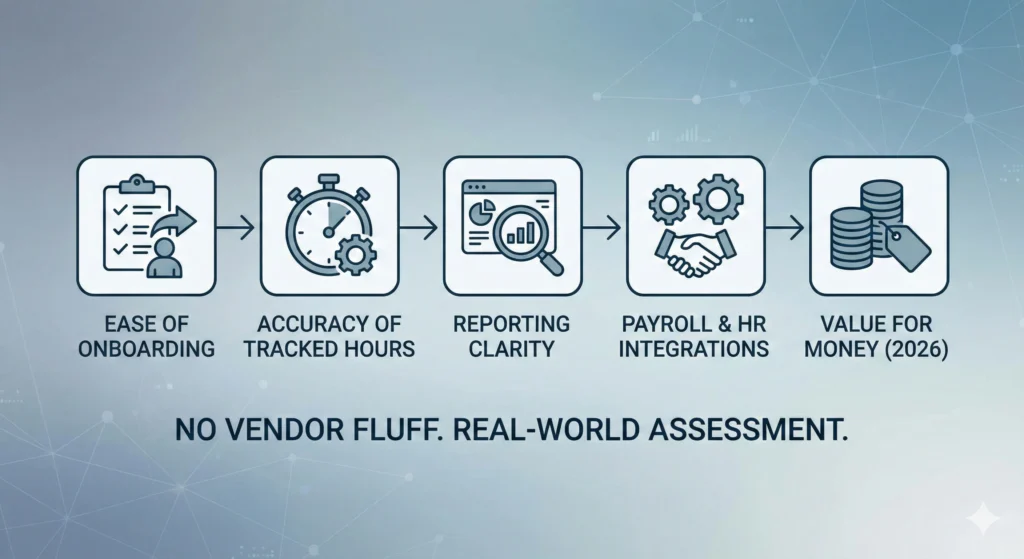
We assessed each platform through a real-world lens:
- Ease of onboarding
- Accuracy of tracked hours
- Reporting clarity
- Payroll and HR integrations
- Value for money in 2026
No vendor fluff. No marketing promises taken at face value.
Why Time Tracking Software Still Matters
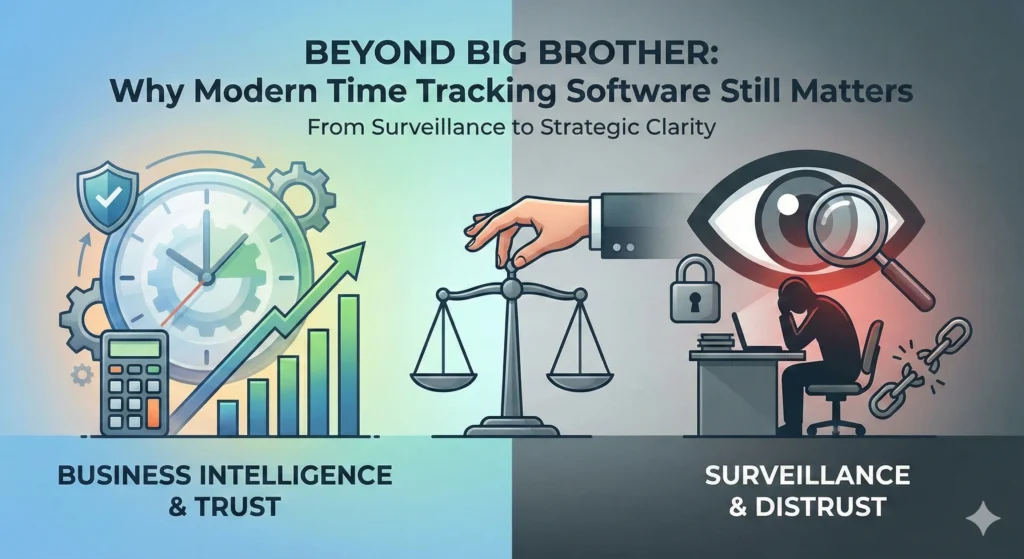
Used well, time tracking:
- Eliminates payroll errors
- Improves accountability without micromanagement
- Reveals where work actually happens
- Protects businesses from compliance risks
Used poorly, it becomes surveillance. Choose wisely.
Common Mistakes Businesses Make
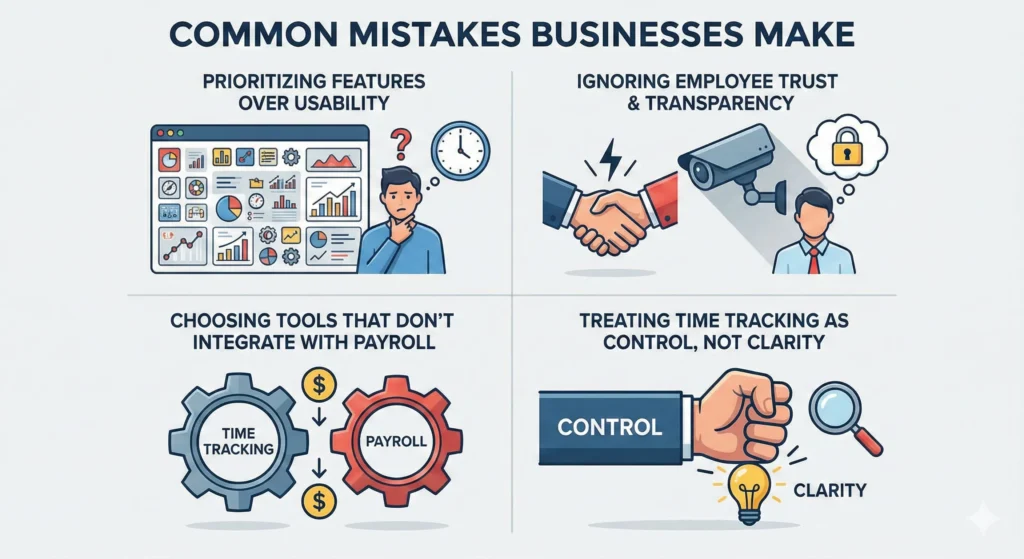
- Prioritizing features over usability
- Ignoring employee trust and transparency
- Choosing tools that don’t integrate with payroll
- Treating time tracking as control, not clarity
The Final Word
There is no single “best” time tracking software — only the best fit.
- Free and flexible? Clockify
- Payroll-driven? QuickBooks Time
- Freelancer-friendly? Toggl Track
- Remote accountability? Hubstaff or Time Doctor
- Field teams? Connecteam
In 2026, the smartest teams don’t track time to control people — they track it to work better.
Frequently Asked Questions (FAQ)
What is the best time tracking software in 2026?
The best time tracking software in 2026 depends on your needs. Tools like Clockify and Toggl Track are ideal for freelancers and small teams, while Hubstaff, Time Doctor, and QuickBooks Time are better suited for businesses that need employee monitoring, payroll, and productivity insights.
What is the difference between time tracking software and time keeping software?
Time tracking software focuses on tracking work hours spent on tasks, projects, and clients, making it ideal for productivity and billing. Time keeping software, on the other hand, is primarily used for attendance, clock-in/clock-out, and compliance, commonly used in HR and payroll systems.
Is free time tracking software reliable for businesses?
Yes, free time tracking software like Clockify can be reliable for small businesses and startups. However, as teams grow, paid plans usually offer advanced reporting, integrations, and better scalability that are essential for long-term business use.
Does time tracking software reduce employee productivity?
When implemented transparently, time tracking software often improves productivity by increasing accountability and identifying workflow bottlenecks. The key is to use tracking tools for performance improvement—not micromanagement.
Can time tracking software integrate with payroll systems?
Most modern time tracking tools integrate with popular payroll and accounting platforms like QuickBooks, ADP, Gusto, and Xero, allowing businesses to automate payroll calculations and reduce manual errors.
Is time tracking software legal to use for employees?
Yes, time tracking software is legal in most countries, provided employers clearly inform employees and comply with local labor and privacy laws. Businesses should always disclose tracking practices and avoid intrusive monitoring without consent.

